
How to compare eFootball player cards
Choose two exact card versions, check their settings, then compare the attributes that matter for your intended role. A higher overall rating alone does not establish which card will work better for you.
This is a written walkthrough. A playable video has not been published; we do not present a recording script as a video or measured gameplay evidence.
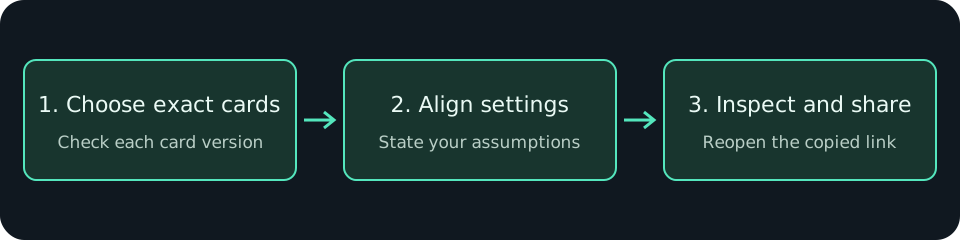
1. Select the exact cards
Open the comparison tool and search for a player in each card slot. Check the card version, position and displayed attributes. Cards with the same player name can have different data; do not compare by name alone.
If a card cannot be loaded, choose another valid record or try again later. Missing data is not a zero-rated player.
2. Check the assumptions before comparing
Inspect each training panel. Use consistent level, progression, manager and booster assumptions where supported. Read the attribute table alongside the radar; its shape summarizes the selected attributes, not a measured win rate or a guarantee of match performance.
Use the same position and task for a useful comparison. A goalkeeper and a forward have different requirements. Calculated values are tool estimates; verify the exact card and current values in your game before spending progression resources.
3. Share and verify
Use the share control to copy the comparison URL. If clipboard access is denied, copy the link from the fallback dialog. Open it in a fresh browser and check the two selected cards.
The comparison link selects public card IDs. Do not assume it preserves every temporary training-panel adjustment: check the recipient view and communicate those assumptions separately. Never add account credentials or private match histories to a share link.
4. Make a decision, then test it
Note the tradeoff that matters for your squad, try the card in your own matches, and revisit the comparison after a card-data or game update. This page makes no claim to have tested a particular player matchup.
Browse the player catalog